01
Local encoding (on your device)
When you create a password, we lock it on your device first. Your master password helps derive an encryption key, and we encrypt your application password into ciphertext that looks like random noise.
We’ll walk you through every step in plain language: what happens on your device, what happens on our server, and what never happens at all. If you just want the short version, read the first lines of each card. If you want more detail, hit “Read more”.
When you create a password, we lock it on your device first. Your master password helps derive an encryption key, and we encrypt your application password into ciphertext that looks like random noise.
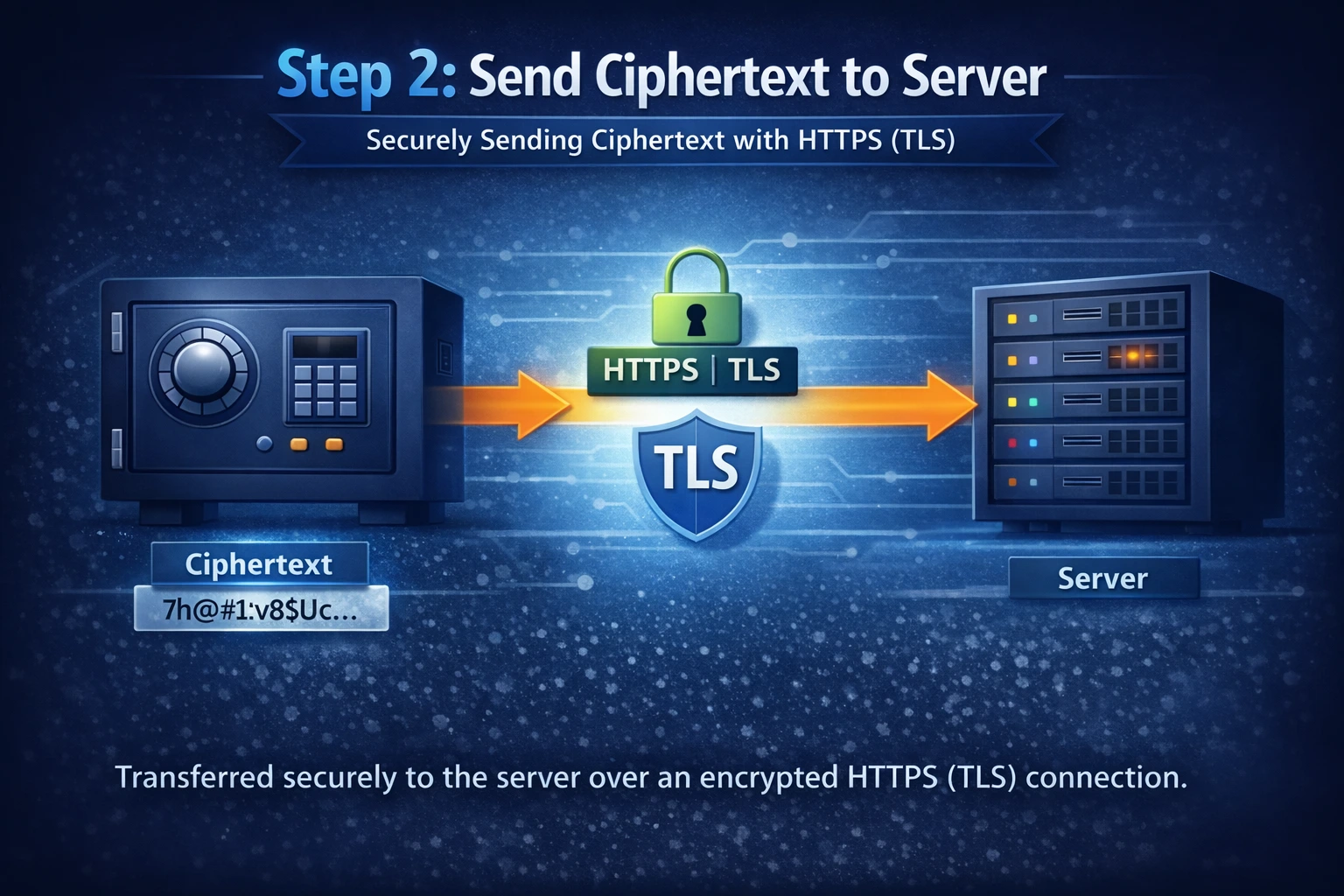
After local encryption, only ciphertext is sent to our server. The connection is protected with HTTPS/TLS, so the data is encrypted while it travels over the internet.
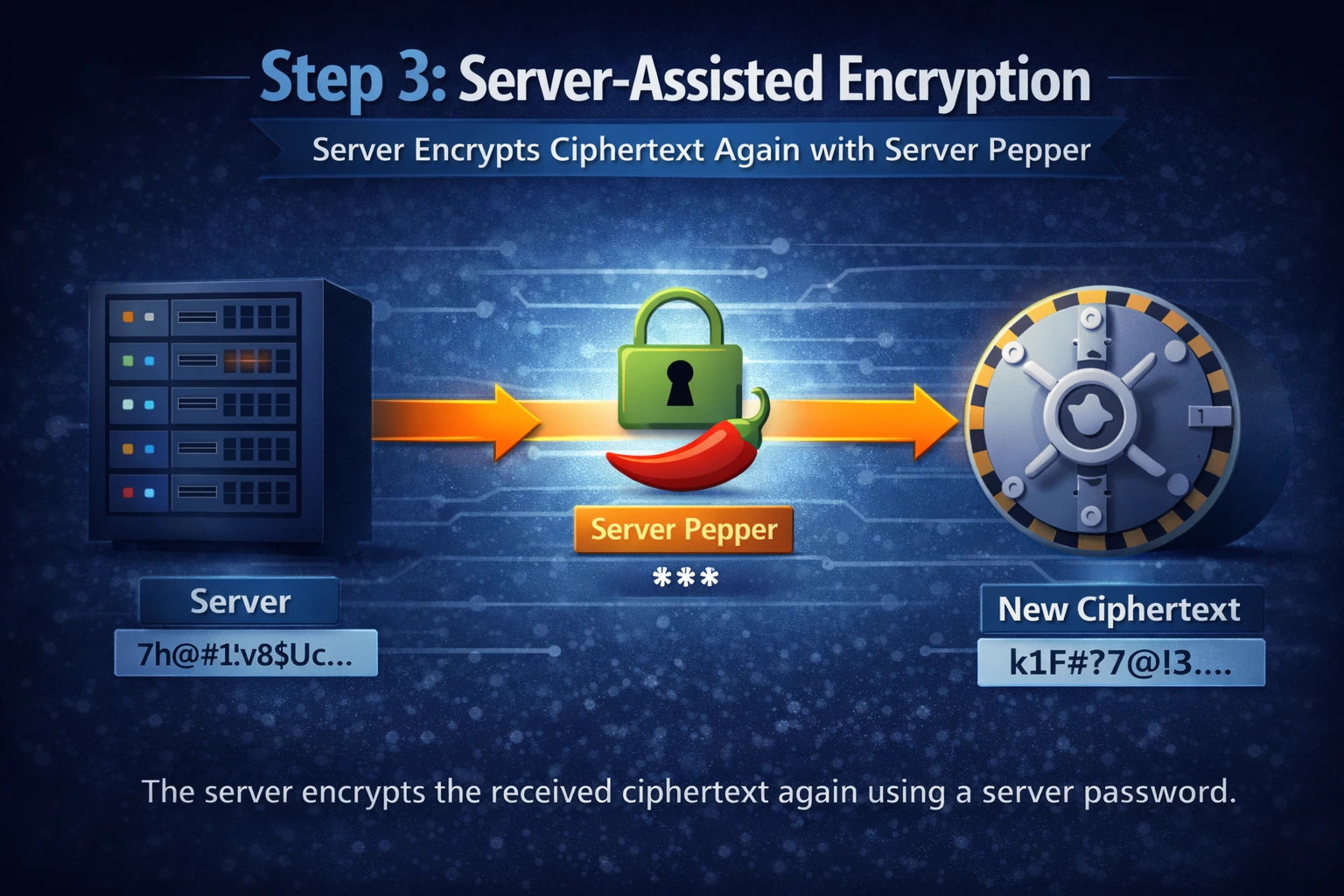
When ciphertext arrives, the server adds an additional sealed layer using a server secret. This makes the package harder to abuse at scale and adds protection beyond what your device alone can provide.
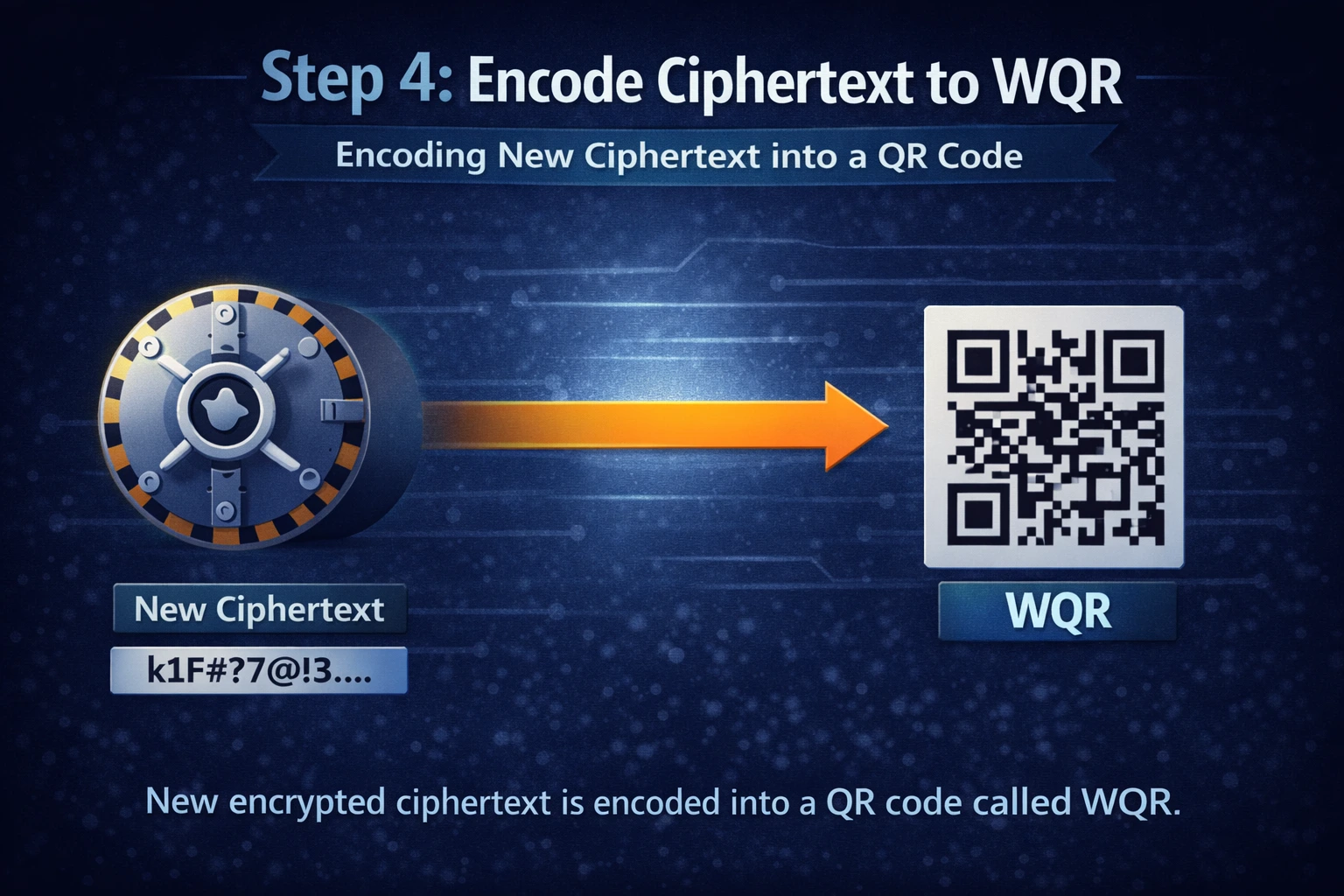
Next we turn the protected ciphertext into a WQR code. This adds an extra layer of protection because WQR is not a “normal” QR code that any random scanner app can read.
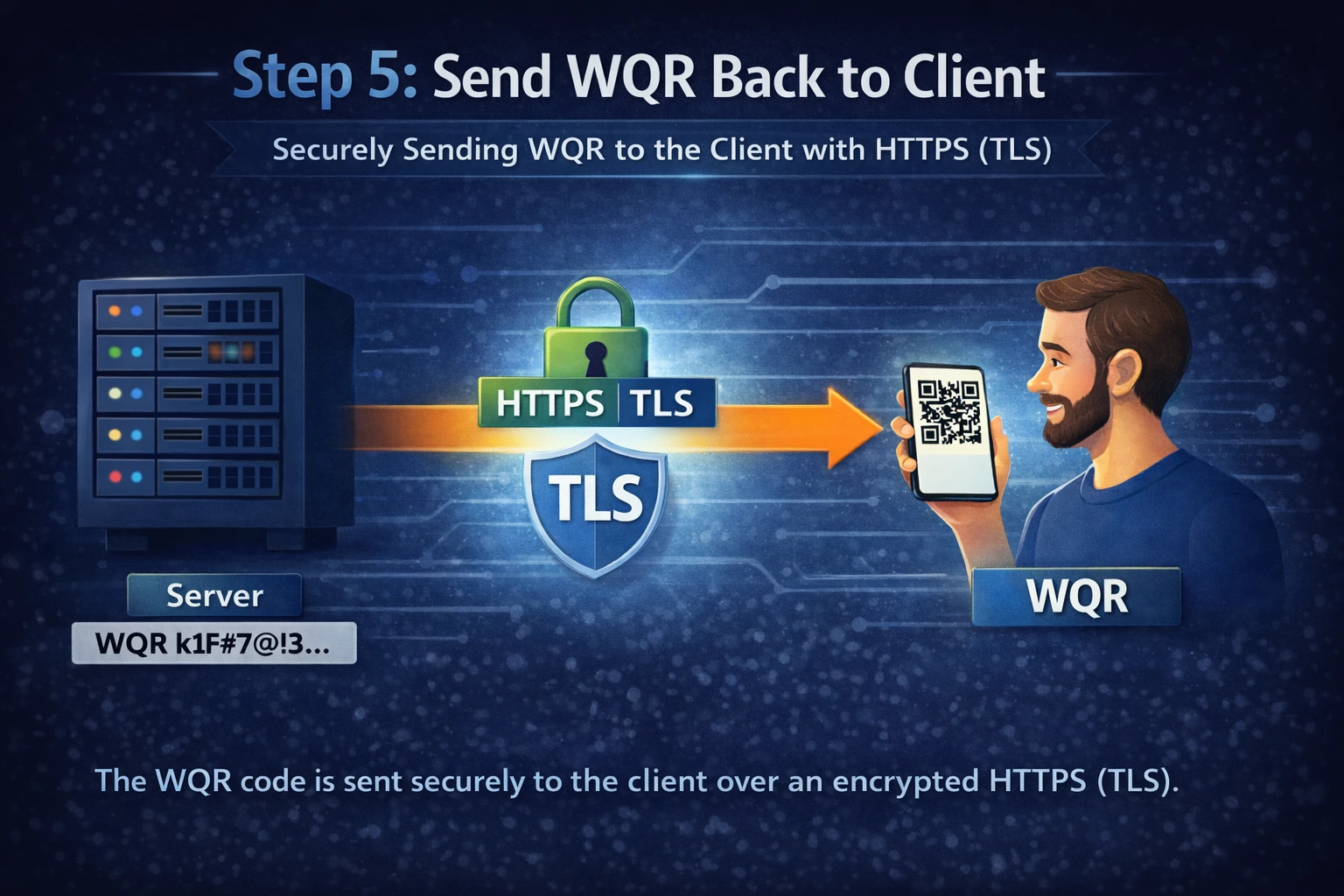
We send the finished WQR back to your device, where it’s saved in your vault. We don’t store your vault, we don’t store your passwords, and we don’t log the secret content you create.
Related: Server as Shield · FAQ · Security Center