01
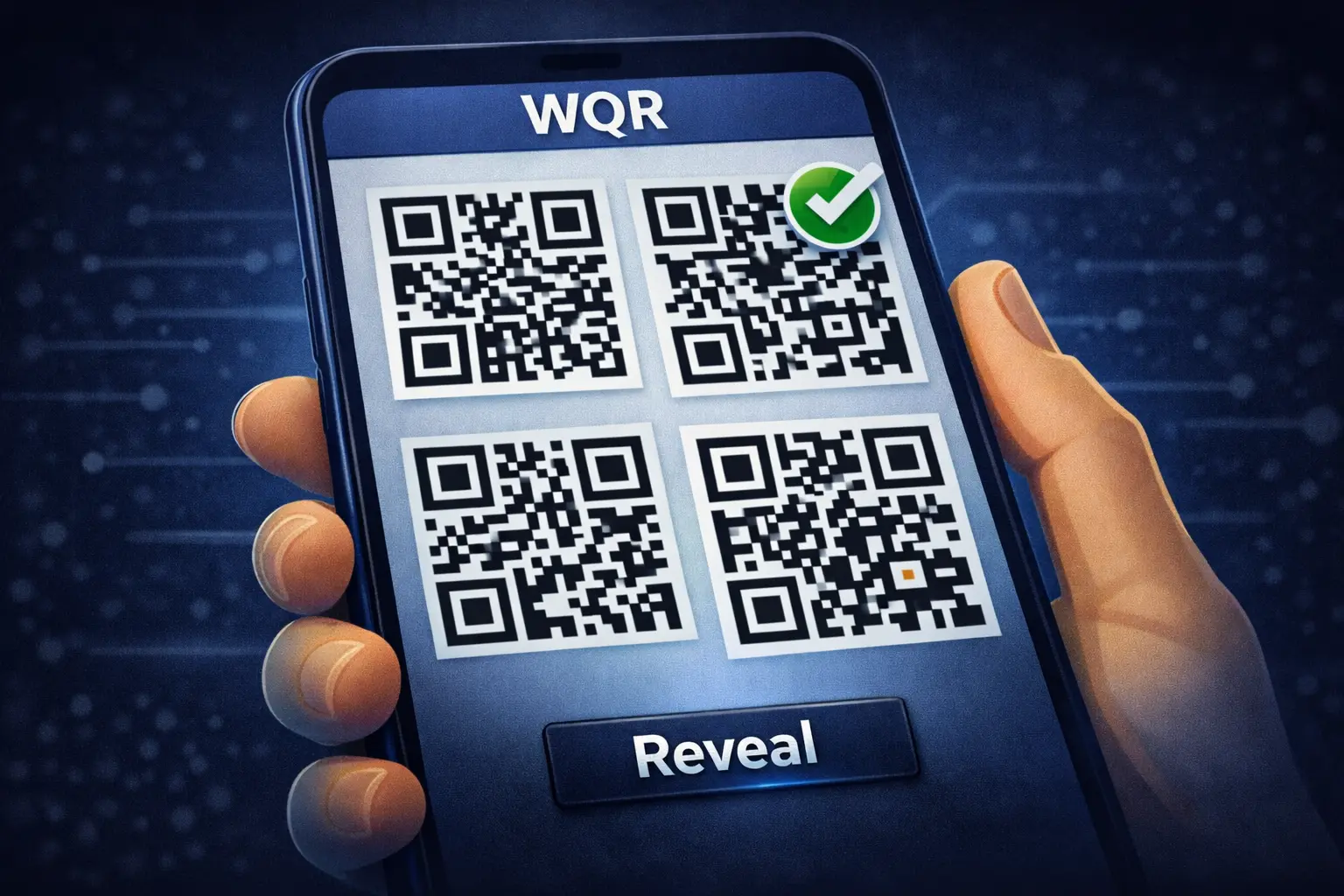
Select a secret in your vault (local)
You tap an entry (a WQR code) inside the app. Your device has the encrypted WQR file and UI metadata — not plaintext passwords saved on disk.
Your vault is stored locally as encrypted WQR codes. Unlocking is intentionally server-gated to block large-scale offline brute-force if someone steals your vault files. Plaintext never leaves your device and is never logged.
You tap an entry (a WQR code) inside the app. Your device has the encrypted WQR file and UI metadata — not plaintext passwords saved on disk.
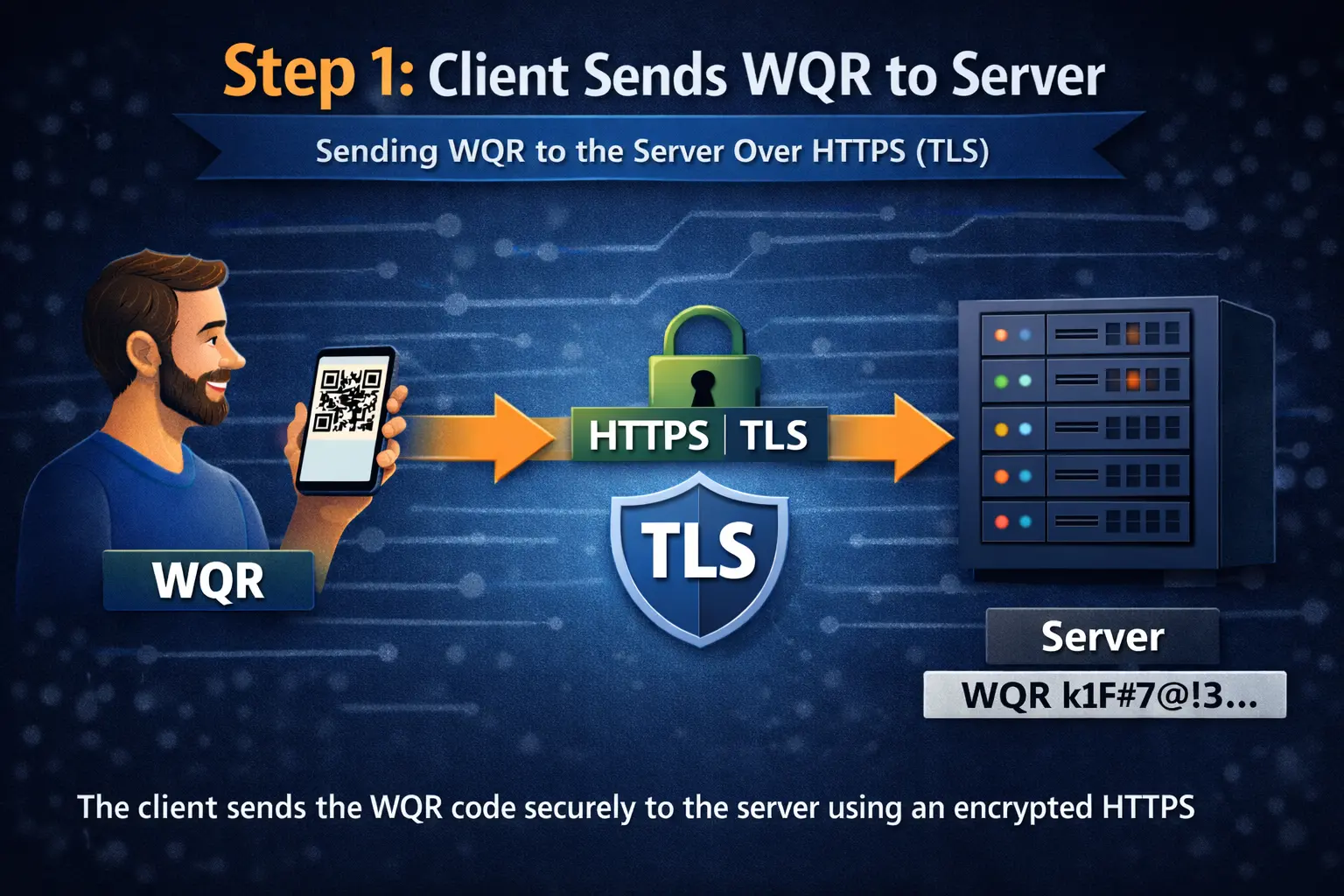
To unlock, the app sends the encrypted payload to the server through an encrypted connection. Your master password never leaves your device.
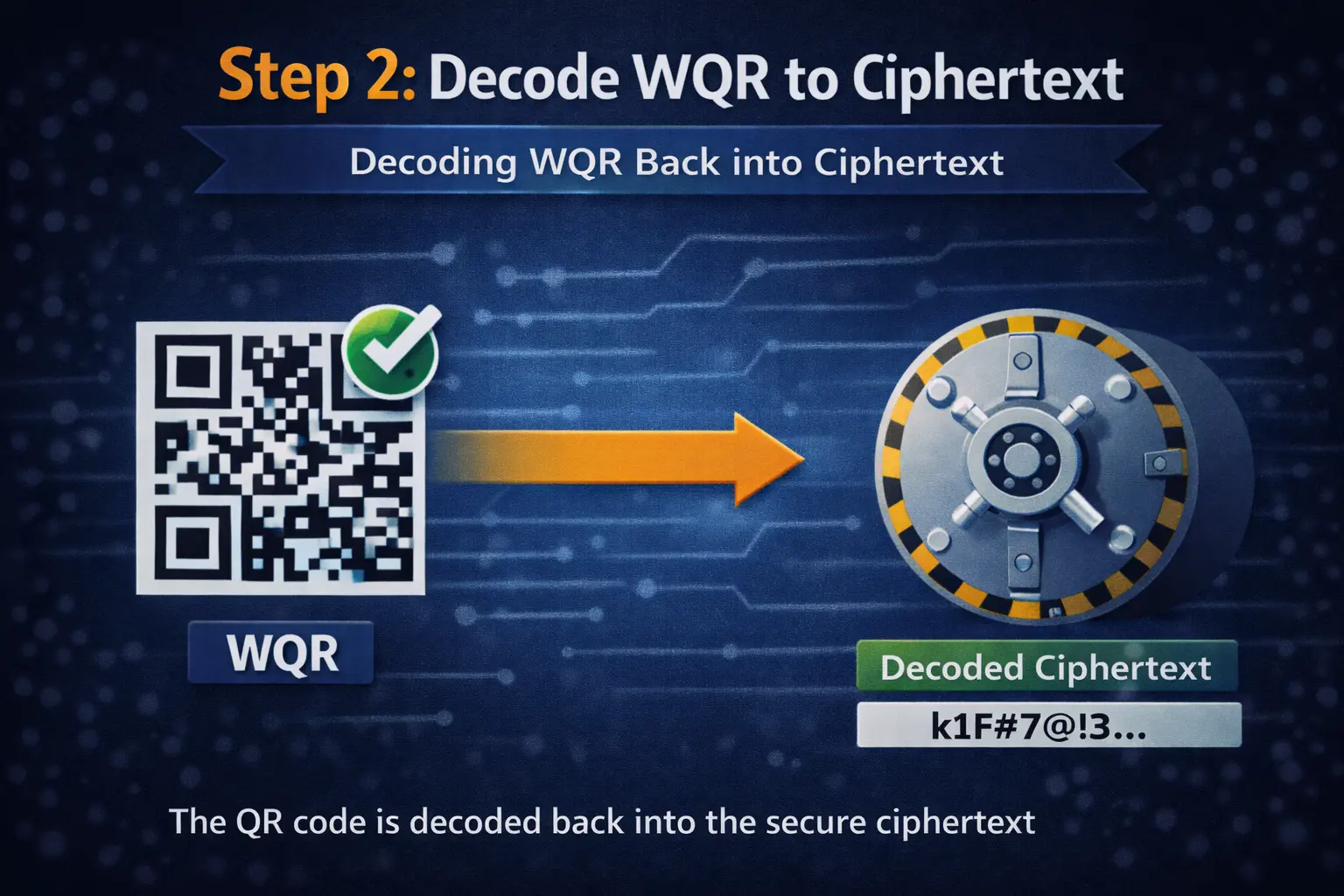
Your device decodes the WQR format into the underlying encrypted payload. Decoding is not decryption — it still produces ciphertext.
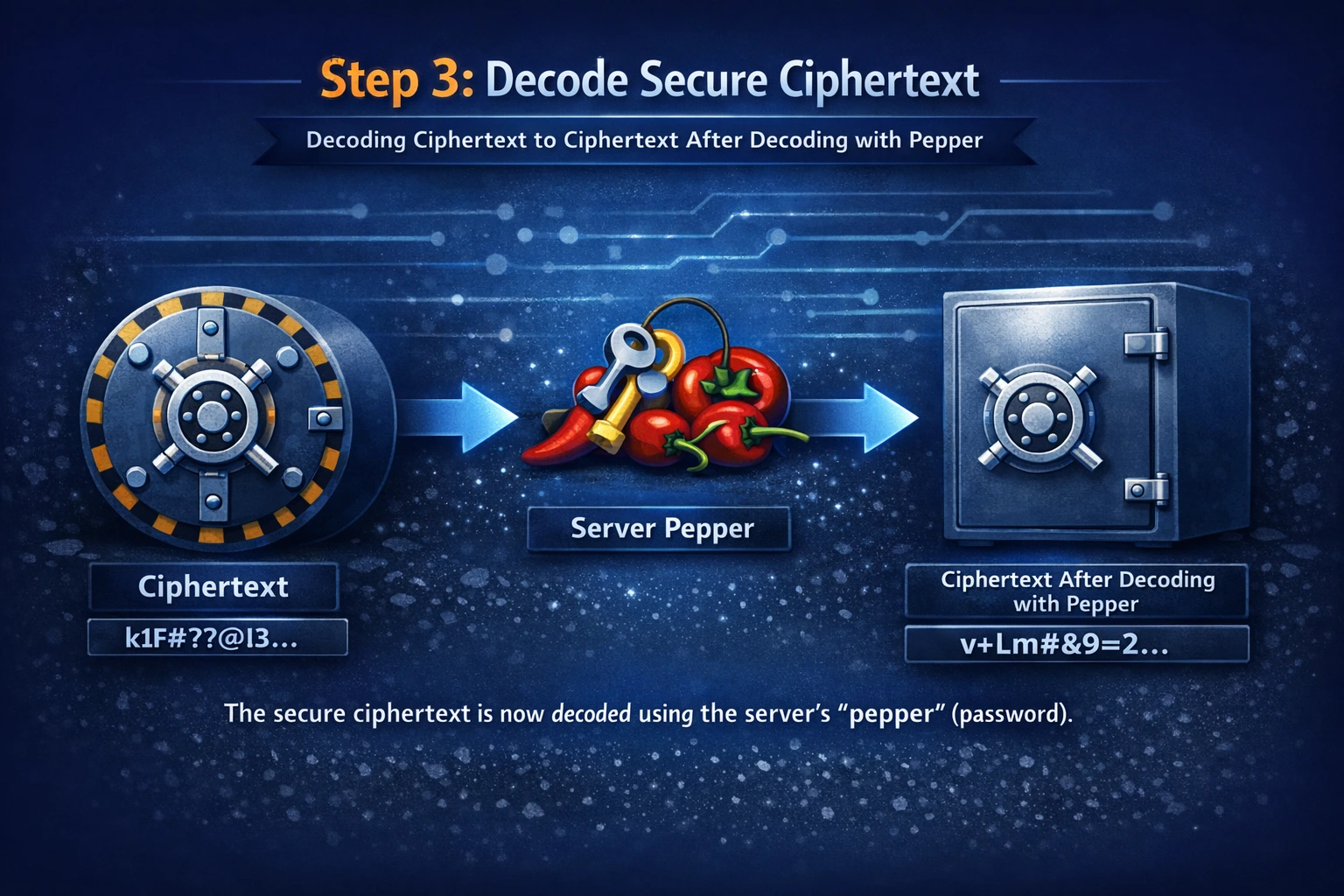
Next, the app asks the server to perform the server-assisted step required for unlocking. This blocks offline brute-force and enables central abuse controls.
The server returns a response that enables your device to continue. The returned data still isn’t plaintext — it’s just what your device needs to finish locally.
After the server shield step, your device decrypts locally using your master password. Your master password is used only on your device.
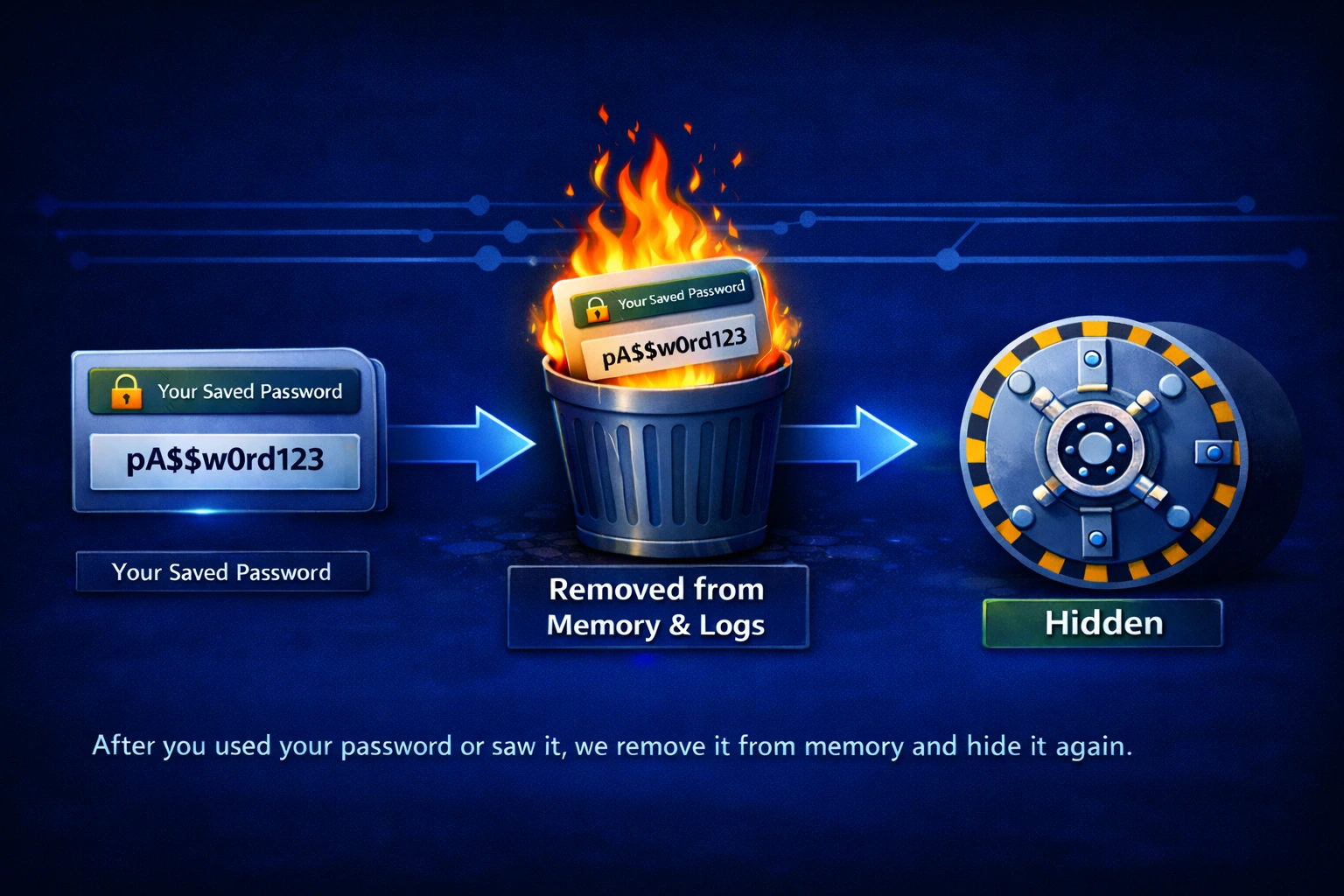
When a password is shown or used, plaintext is handled briefly and then cleared. It’s never written to logs and never sent to the server.
Related: Encryption Flow · Server as Shield · FAQ