Security

Server as Shield

This page explains our server's role in plain language: what it can do, what it can't do, why the tradeoff exists, and what happens in worst-case scenarios.

01

Server as Shield

WQR uses the server as a security layer - not as vault storage.

WQR uses the server as a security layer - not as a place to store your vault.

Most password managers pick one of two extremes:

  • Offline-only unlocking: great independence and privacy, but if someone steals/copies your vault files, they can try passwords offline at full speed.
  • Cloud vault storage: convenient sync, but you're trusting a cloud vault database (a big target) with a copy of your encrypted vault.

WQR takes a different approach:

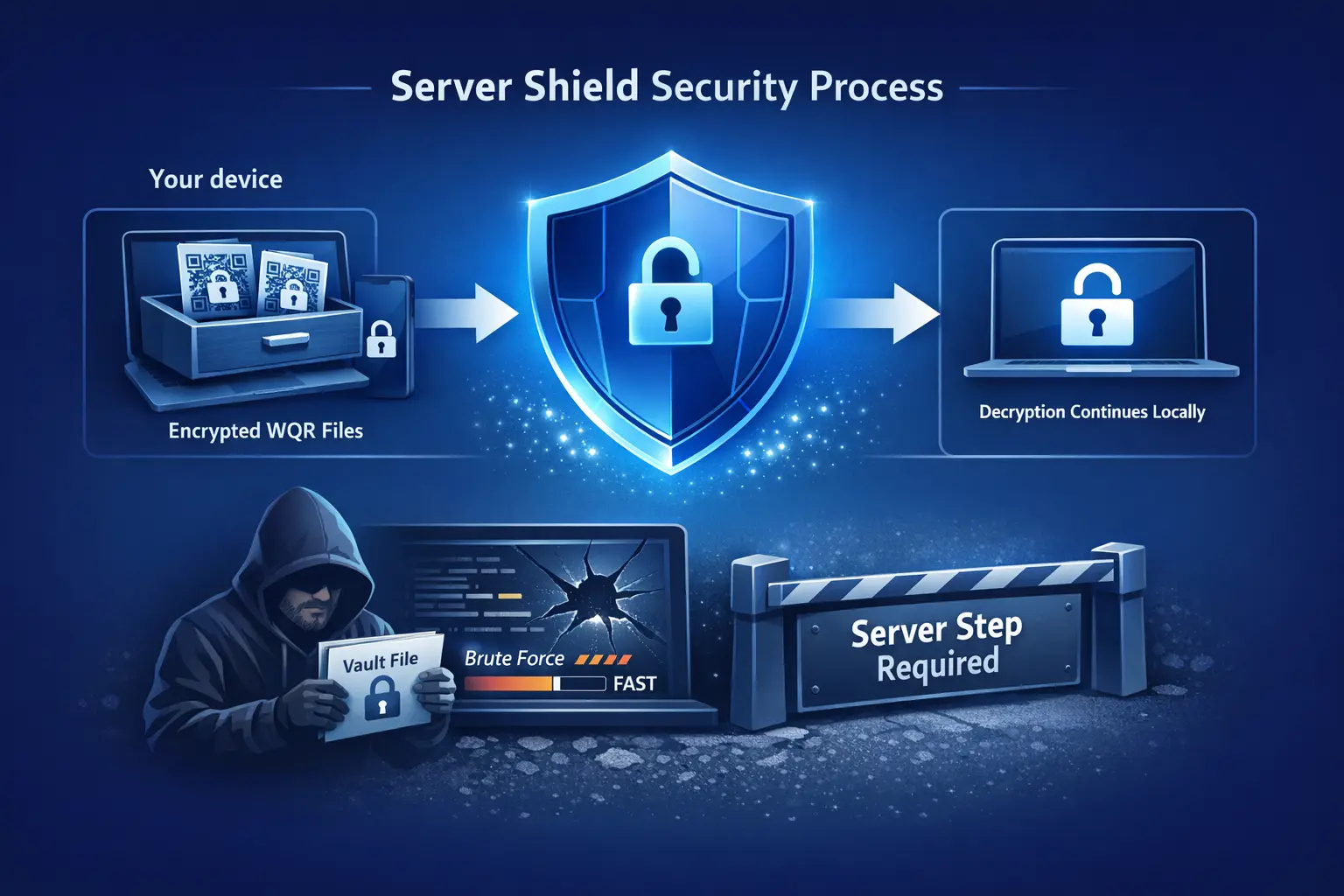
  • Your vault stays on your device (stored as encrypted WQR code files).
  • Unlocking is protected online (server-gated), so large-scale offline brute-force is blocked.
  • Plaintext never leaves your device.

This design is about one thing: reducing risk when things go wrong (stolen files, copied backups, malware trying offline guesses) without turning your vault into "someone else's stored data".
02

Why the server shield exists

Because offline brute-force is the worst-case scenario when vault files leak.

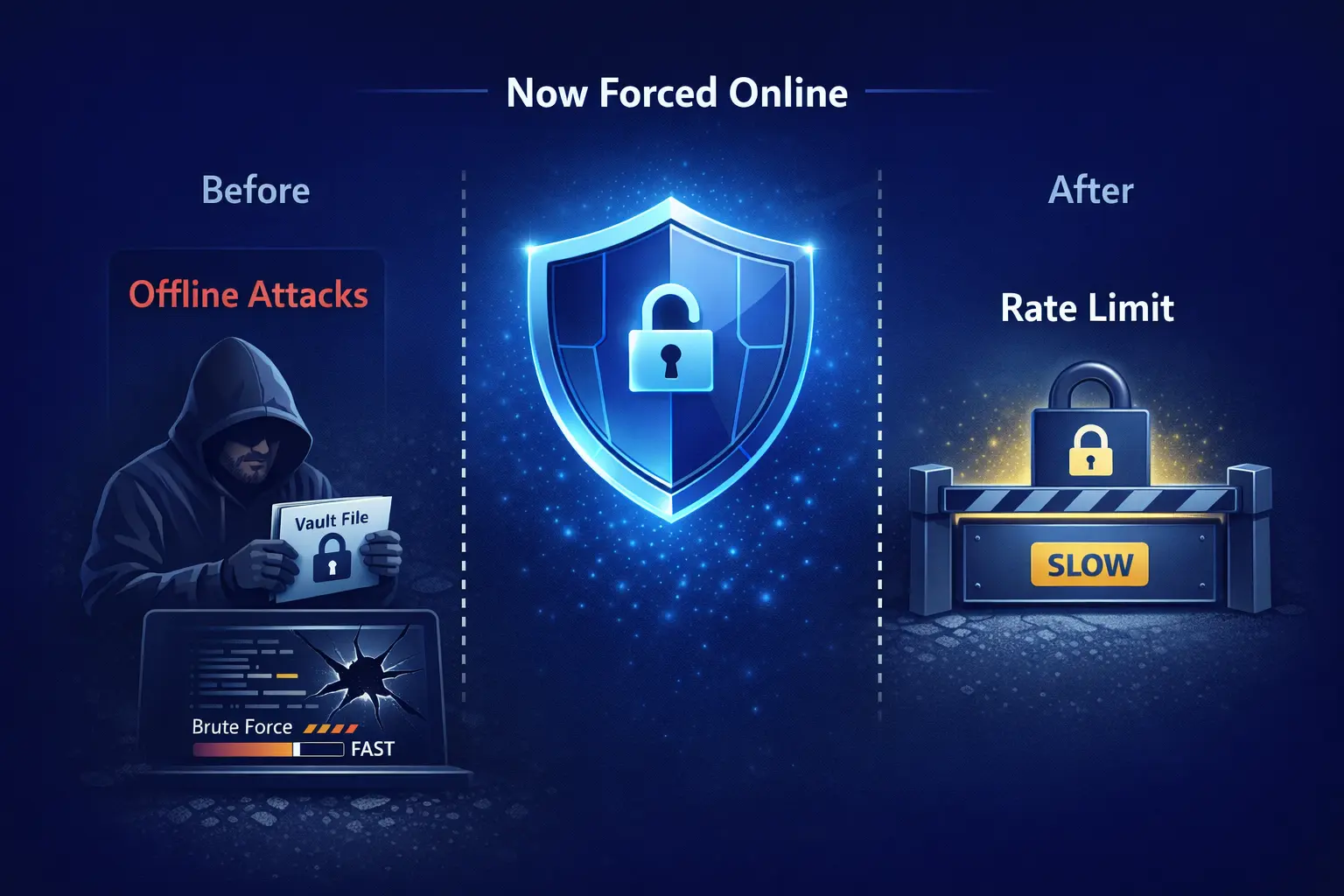
When a password manager is purely offline, a leaked vault file can be attacked offline at full speed. Attackers don't need to talk to anyone - they can guess passwords as fast as their hardware allows.

WQR deliberately makes unlocking a server-gated step. That means a copied vault can't be brute-forced at scale without passing the online gate.

This enables a few practical defenses:

  • Rate limits that make guessing dramatically slower
  • Abuse detection that can stop automated patterns
  • An emergency lock-down switch during real incidents

And the core rule stays the same: the server still does not receive your plaintext, and your master password still never leaves your device.

03

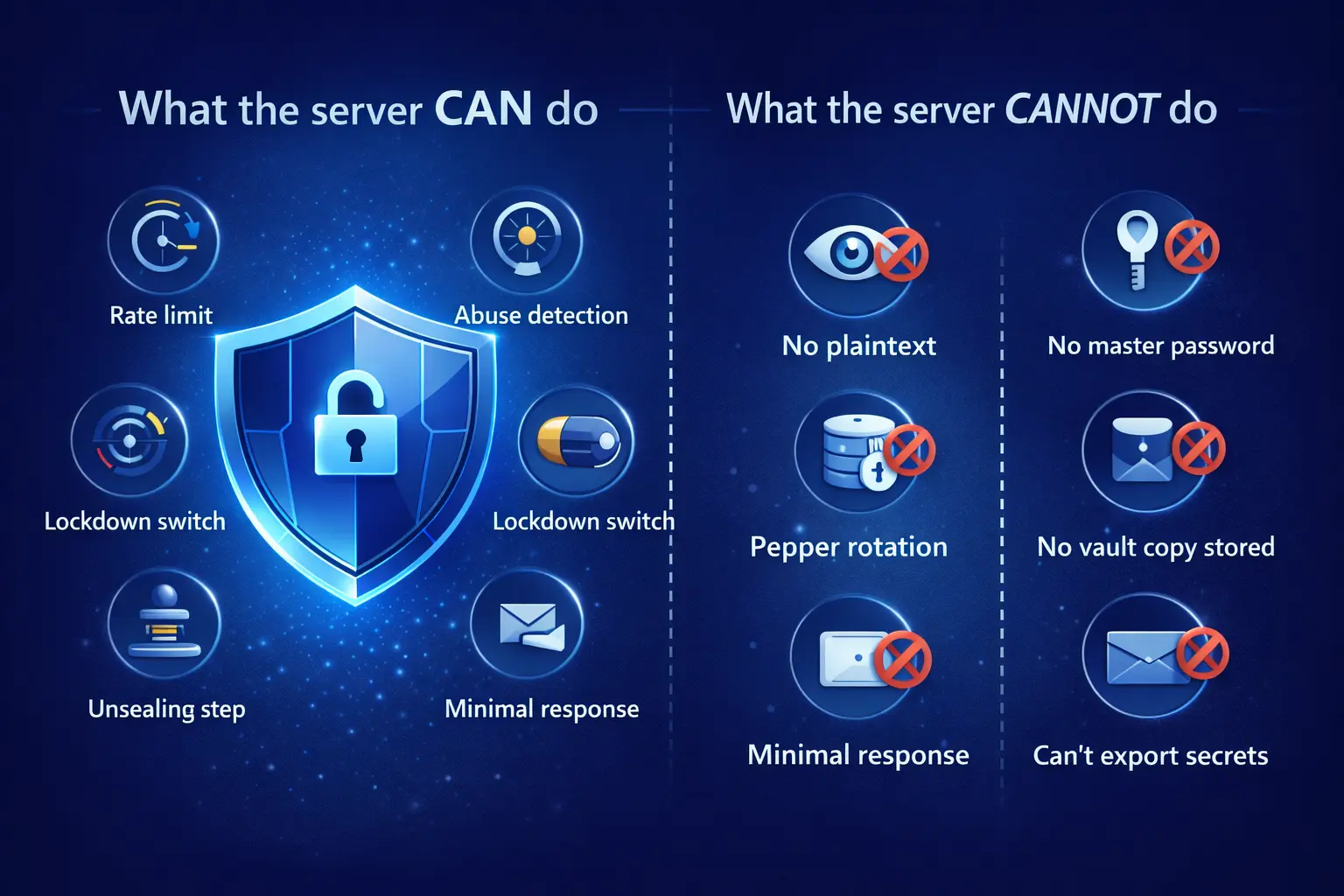
What the server CAN do

These are the protections the server adds - without needing your plaintext.

1) Rate-limit unlock attempts

The server can slow down or block repeated unlock attempts. That makes brute-force attacks drastically harder, because attackers can't run unlimited guesses at full speed.

2) Detect abuse patterns

The server can spot suspicious request patterns (for example, automated retries from many IPs) and stop them quickly.

3) Emergency shutdown / lock-down

If something looks wrong, we can temporarily block unlocking. That sounds annoying - but it blocks attackers too. It's a real safety switch for real incidents.

4) Rotate the server-side hardening secret (pepper)

If we suspect a server-side secret might be exposed, we can rotate it quickly to contain the incident and reduce attacker advantage.

5) Apply a server-assisted hardening (unsealing step)

Unlocking requires a server step that can't be performed offline. If someone steals your vault files, they still can't complete the unlock flow without the server.

6) Return only the minimum required response

The server's job is to respond with only what the device needs to continue decryption locally - and only for the duration of that request.

7) Avoid vault storage

We don't store your vault on our servers. There is no cloud vault database sitting somewhere waiting to be copied.

04

What the server CANNOT do

Clear boundaries: there are things we simply can't do, by design.

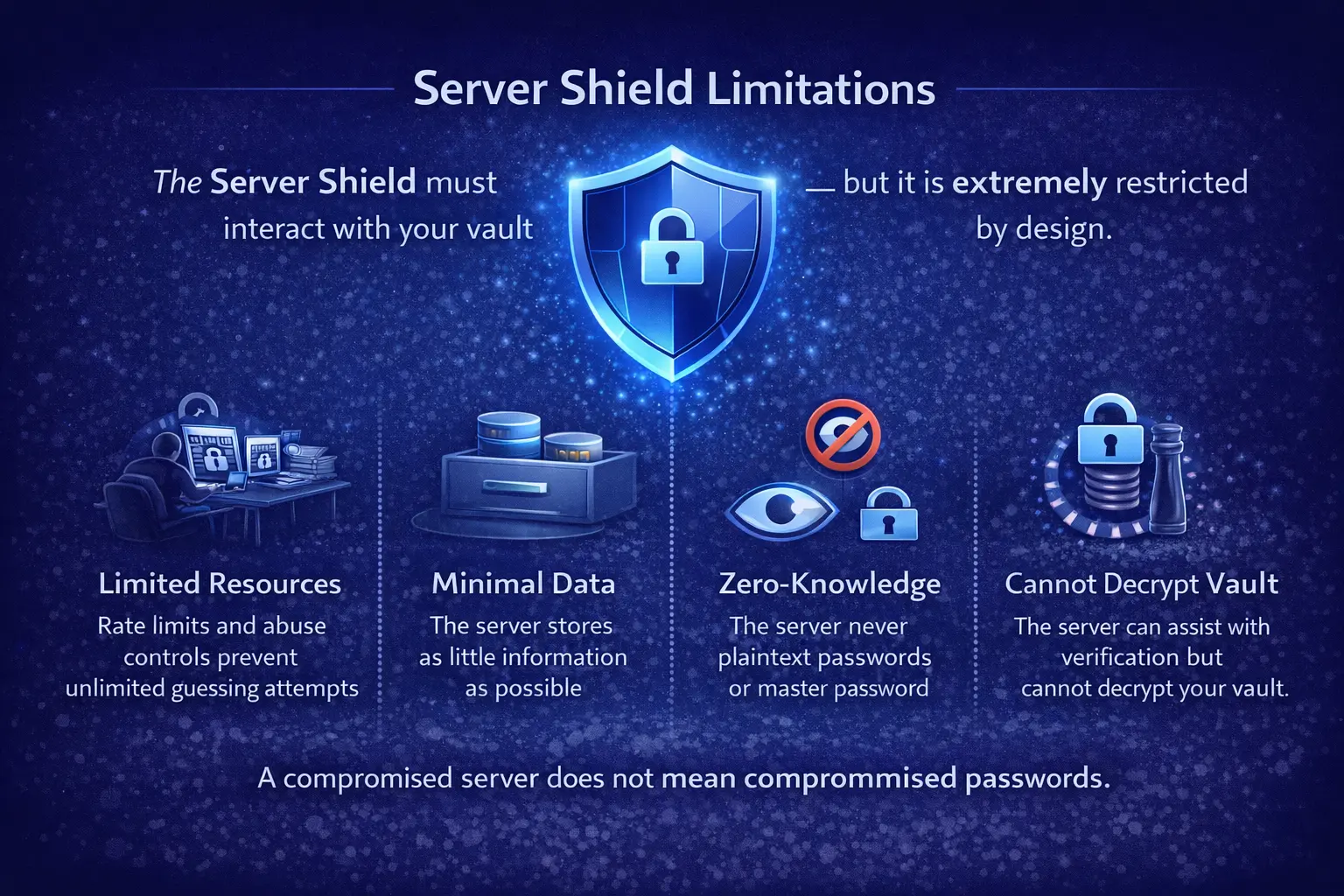
Cannot read your passwords

No plaintext is sent to the server.

Cannot recover your master password

Your master password never leaves your device.

Cannot reconstruct your vault alone

Your vault files are stored locally, not server-side.

Cannot export your secrets

The server does not possess the plaintext, so it cannot export your decrypted secrets.

Cannot reset your secrets for you

If you lose your master passwords, secrets cannot be recovered by us. (We can help you with account access and support, but we can't undo encryption.)

05

Threats this helps with (and what it doesn't)

Be honest about the strengths and limits.

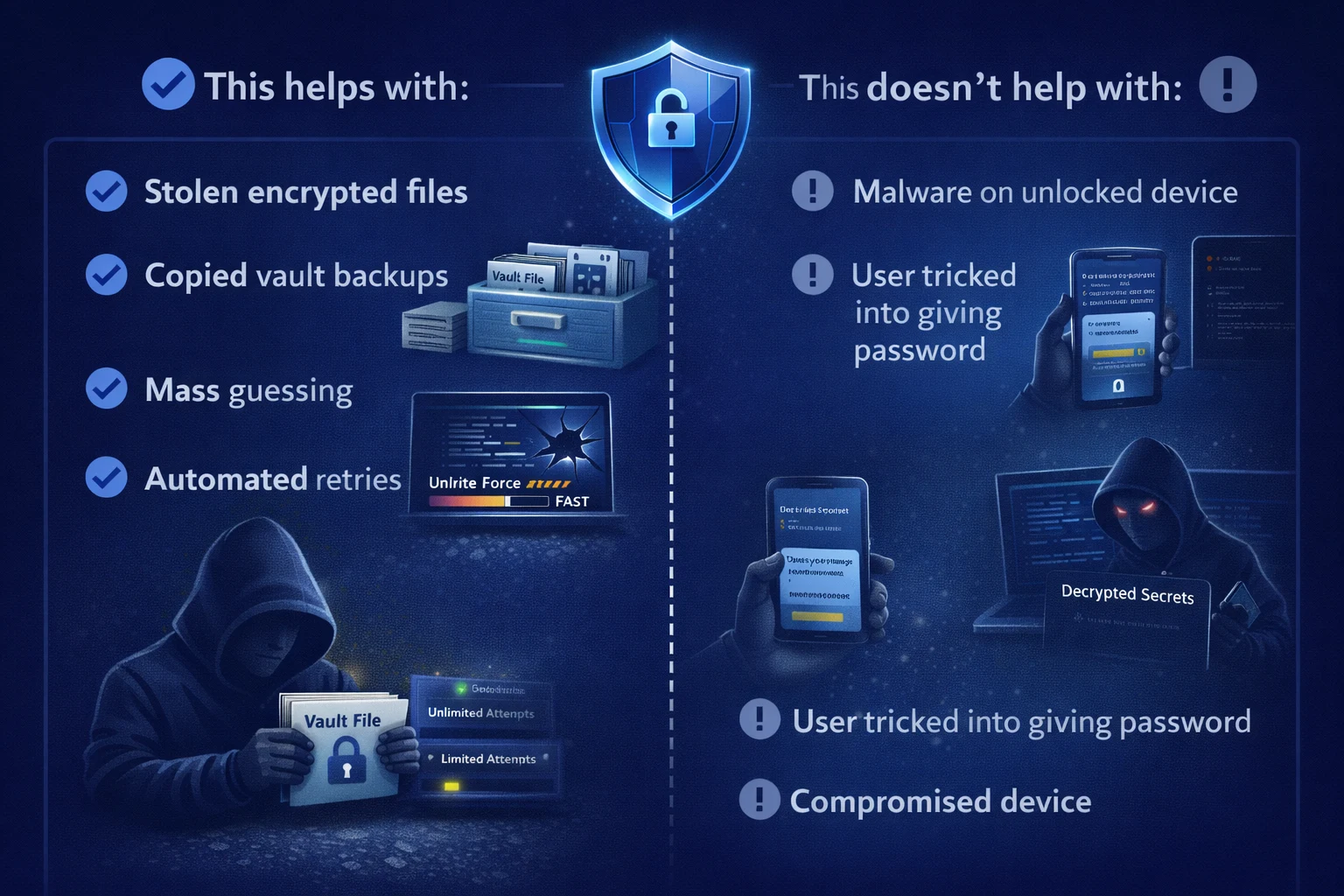
This helps with

  • Stolen vault files / copied backups: offline brute-force at scale is blocked because unlock is server-gated.
  • Credential stuffing against your account: rate-limits and abuse detection can slow/stop automated attacks.
  • Malware trying repeated guesses: the server gate adds a second obstacle beyond your master password.
  • Incident response: emergency lock-down and pepper rotation reduce blast radius.

This does NOT magically solve

  • Device compromise while unlocked: if your device is infected and your app is unlocked, an attacker can still try to steal what you reveal.
  • Shoulder-surfing / screenshots: we can reduce exposure, but you still need good habits.
  • Social engineering: no system can fully stop you from being tricked into revealing secrets.
06

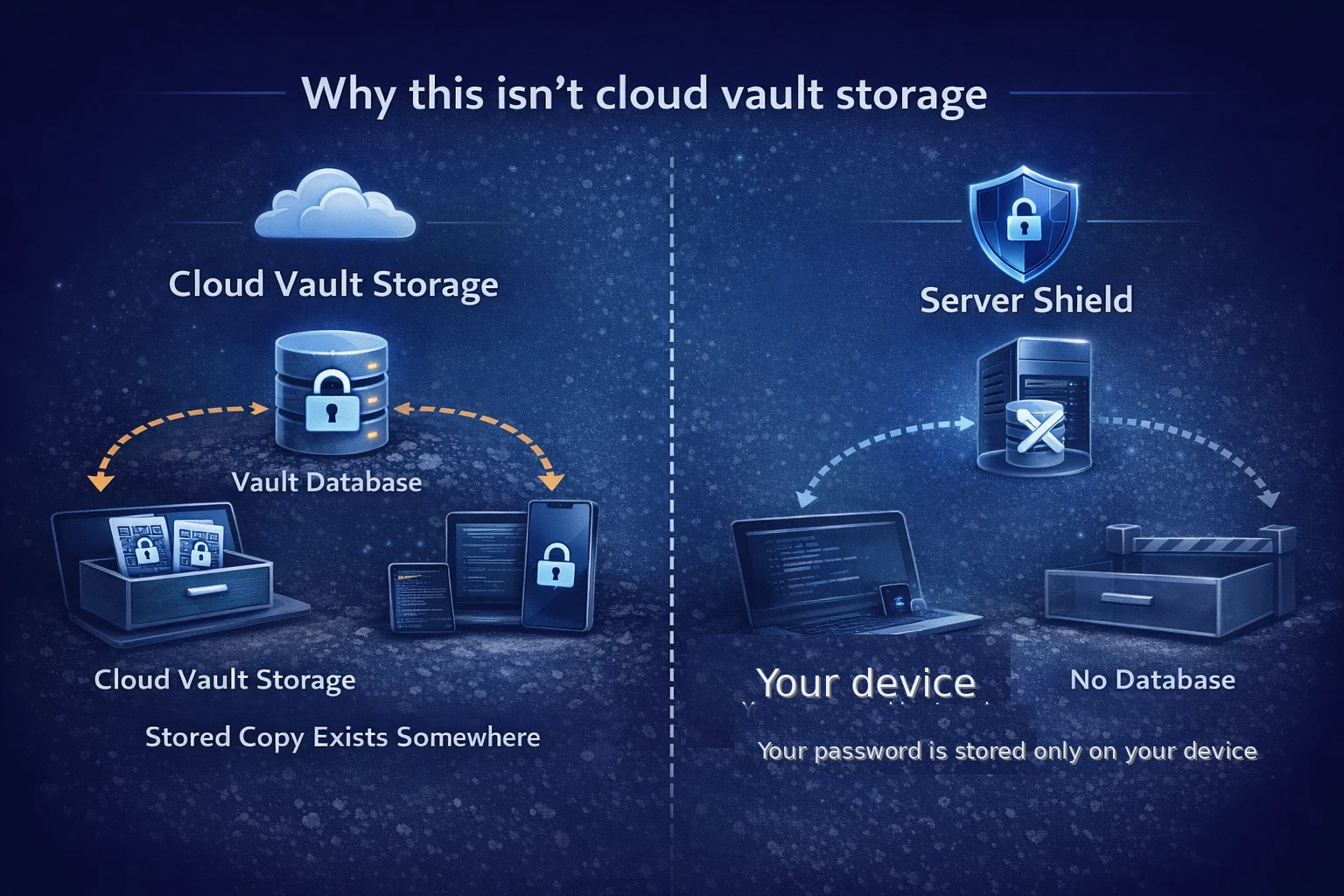
Why this isn't the same as cloud vault storage

Server-assisted security is not the same as "we store your vault".

It's fair to ask: "If unlocking needs your server, isn't this basically the same as storing my vault somewhere else?"

No - and here's the difference:

  • Cloud vault storage means there is a stored copy of your encrypted vault in an unknown place of storage (a cloud database, object storage, backups, etc.).
  • Server as shield means your vault stays on your device, and the server only assists with a short-lived security step during unlock.

In other words: we're not trying to own your data. We're trying to make offline theft and offline guessing harder.

07

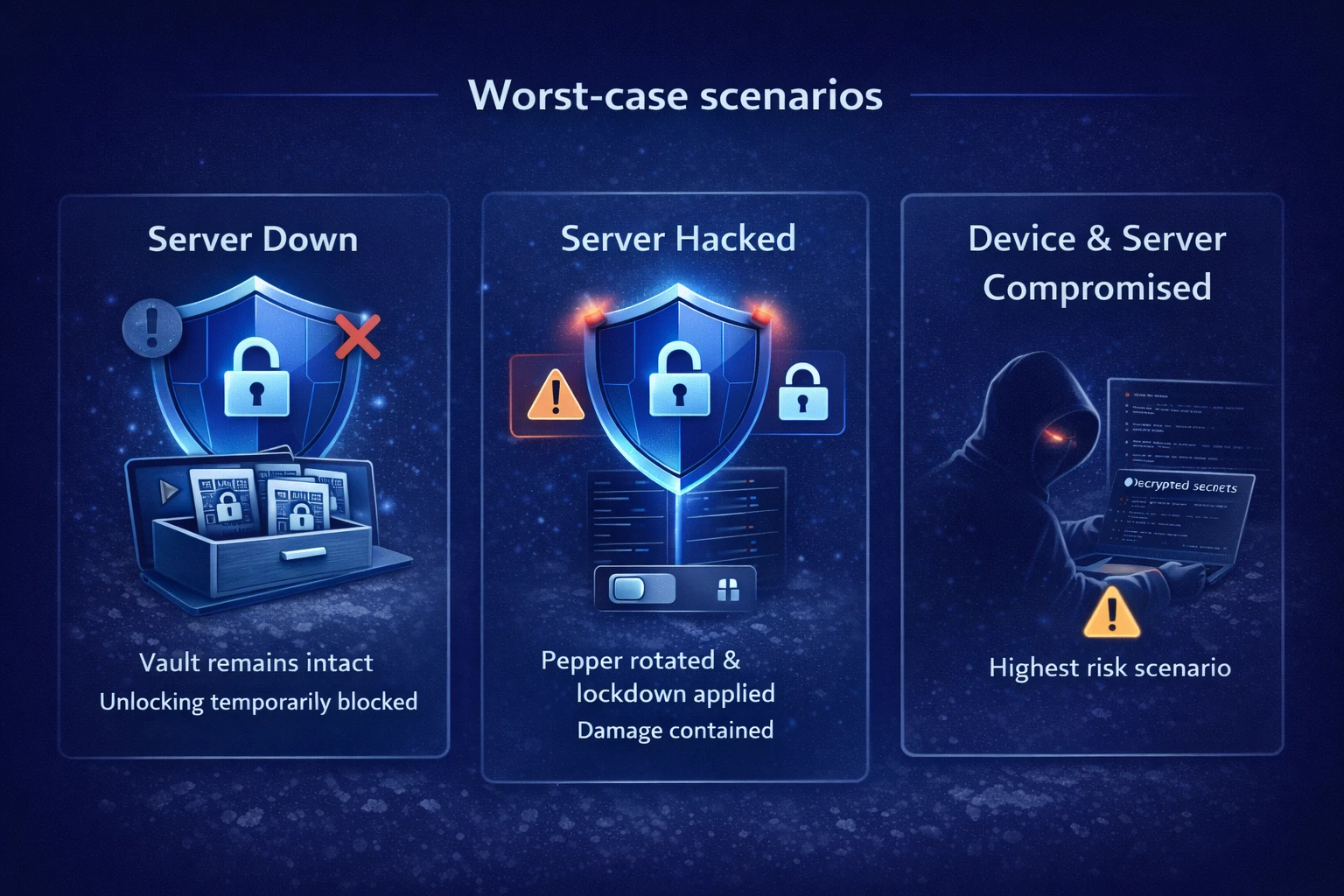
Worst-case scenarios

What happens when things go wrong - without marketing sugar-coating.

What happens if the server is down?

Storage still works (your vault is on your device). Unlocking does not. If the server is unreachable, you can't complete the unlock flow. This is the tradeoff of a server-gated design.

What happens if the server is hacked?

A server compromise is serious - but it's not automatically game over. The server still doesn't have your plaintext or your master password. An attacker would still need your master password per secret, and unlocking is still designed to be server-gated and rate-limited.

In an incident, the server can also enter lock-down mode and rotate the server-side hardening secret (pepper) to contain damage.

What happens if both your device and the server are compromised?

If an attacker has your device unlocked and also has server access, that's a very high-risk scenario. The goal of WQR is to reduce the number of realistic paths to get there, and to limit how much can be extracted automatically.

08

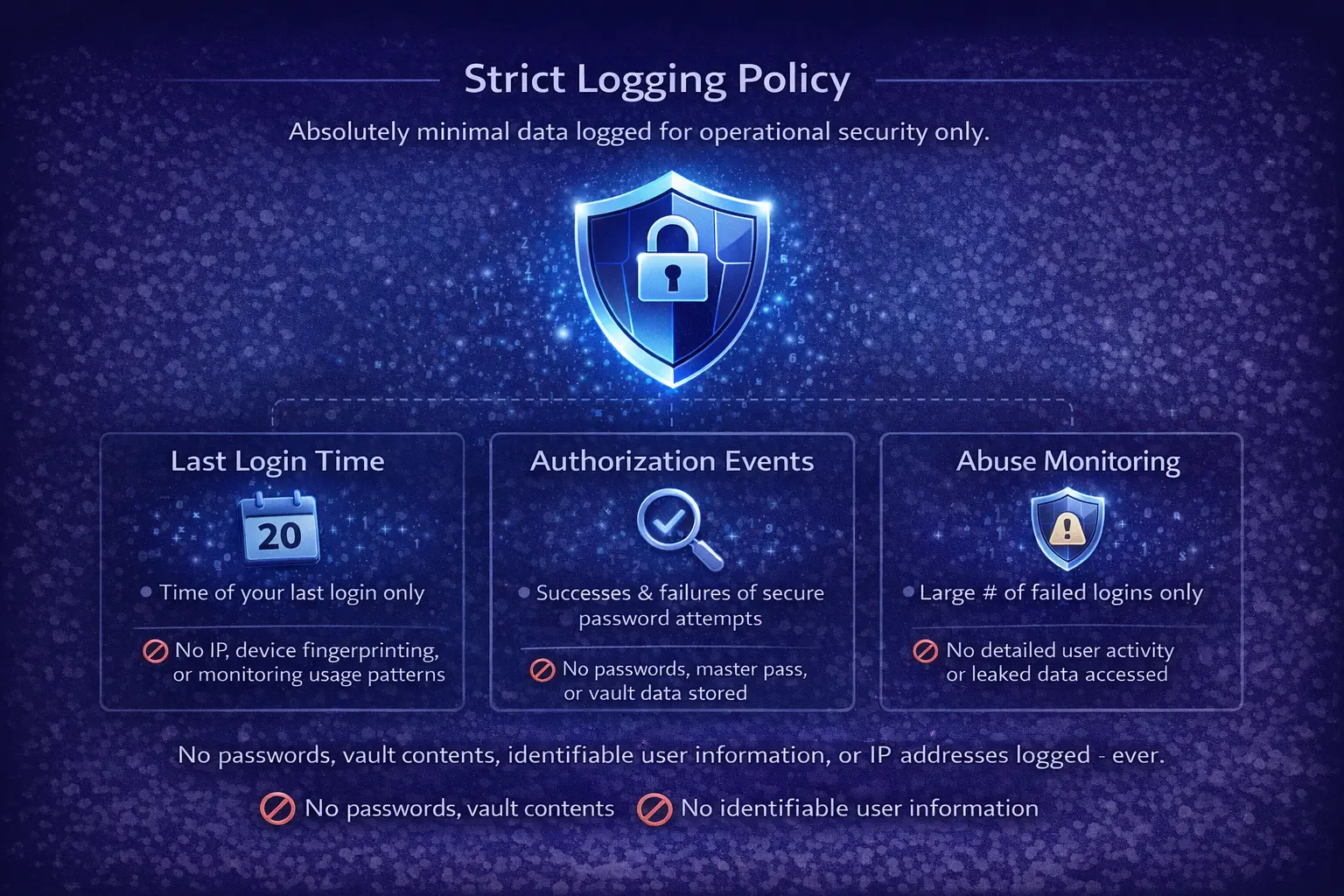
Logging policy (what we do and don't store)

Minimal operational logs, no plaintext, no WQR payload contents.

We may keep minimal operational logs such as:

  • Request timestamps
  • Error codes / abuse signals
  • Rate-limit counters
  • Basic service health metrics

We do NOT log:

  • Plaintext secrets
  • Decrypted passwords
  • The content of your WQR payloads

(Exact retention periods and details belong on the Transparency page.)

09

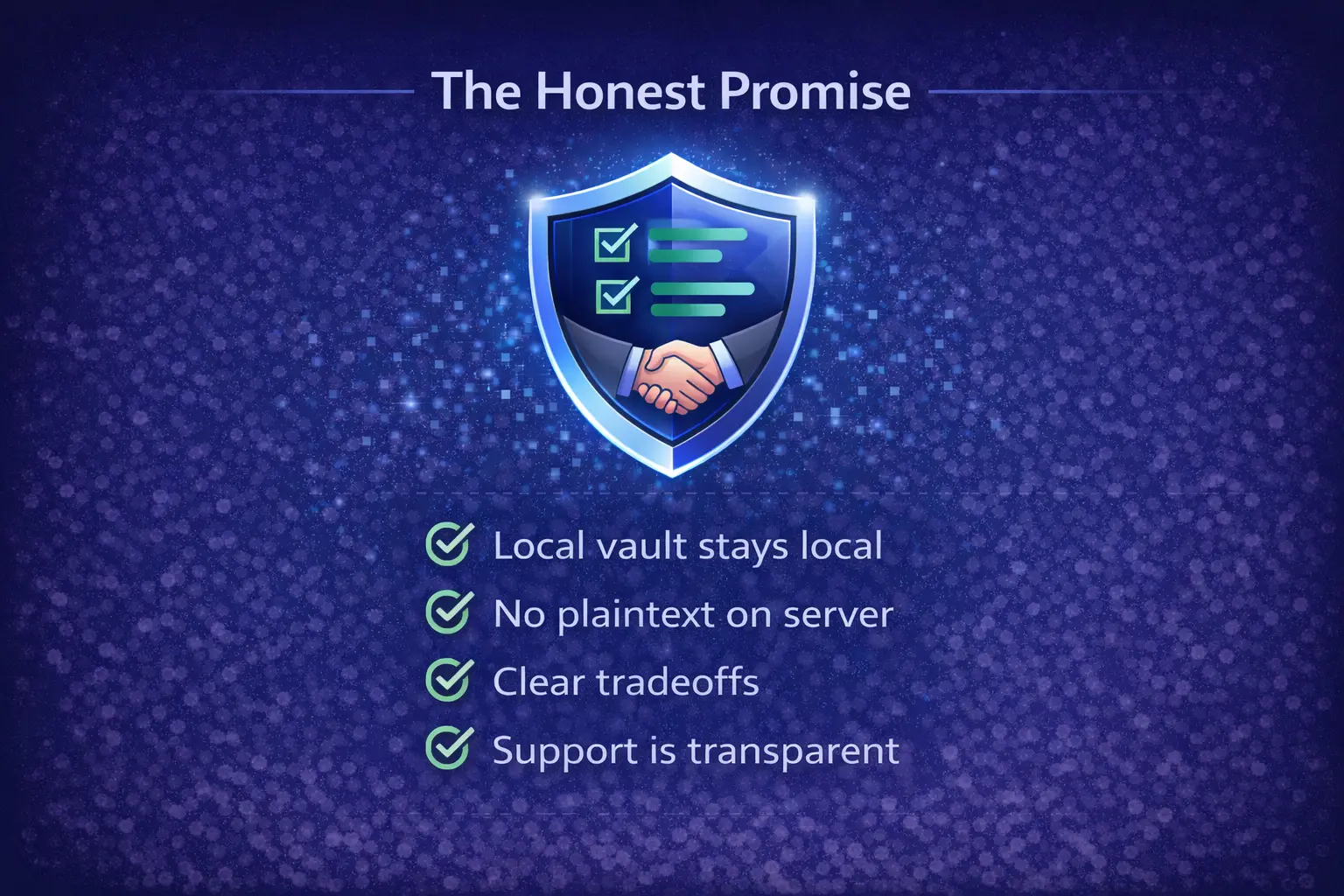
The honest promise

Clear promises, clear tradeoffs, and no magic claims.

  • Your vault stays local. We're not storing it as a cloud database asset.
  • Plaintext never leaves your device. Not during unlock, not during sharing, not in logs.
  • Unlocking is server-gated. That improves brute-force resistance, but it means downtime affects unlock.
  • If you forget your master password, we can't recover your secrets. That's the cost of real encryption.

If you have questions, we'd rather answer them honestly than hide behind vague phrases. Check the Q&A page and feel free to contact us through the email listed on the site.

Related: Encryption Flow · Unlock Flow · Security Center · FAQ